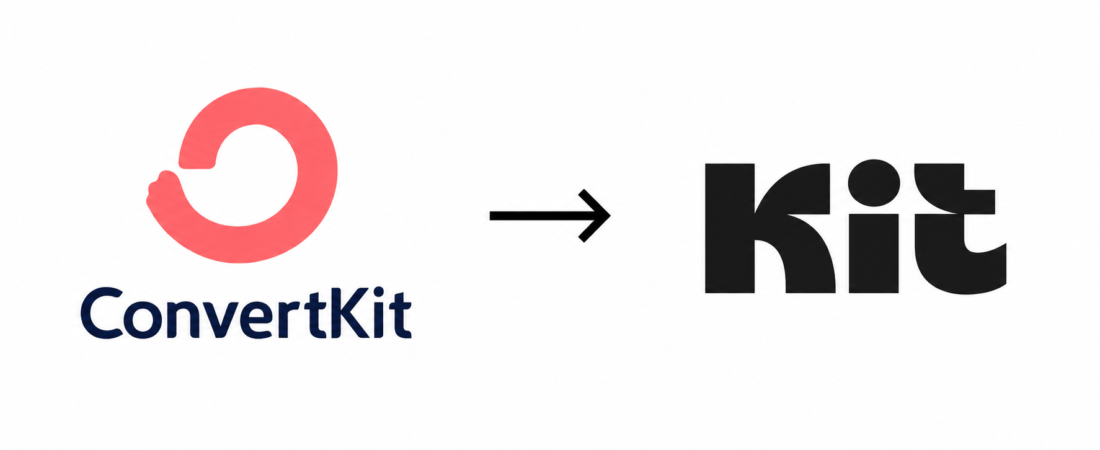
ConvertKit is Now Kit: Everything That Changed in the Rebrand
Disclosure: Some links in this article are affiliate links. If you sign up for MailerLite or another tool I recommend through my link, I may earn a commission at no extra cost to you. I only recommend tools I’ve actually tested.
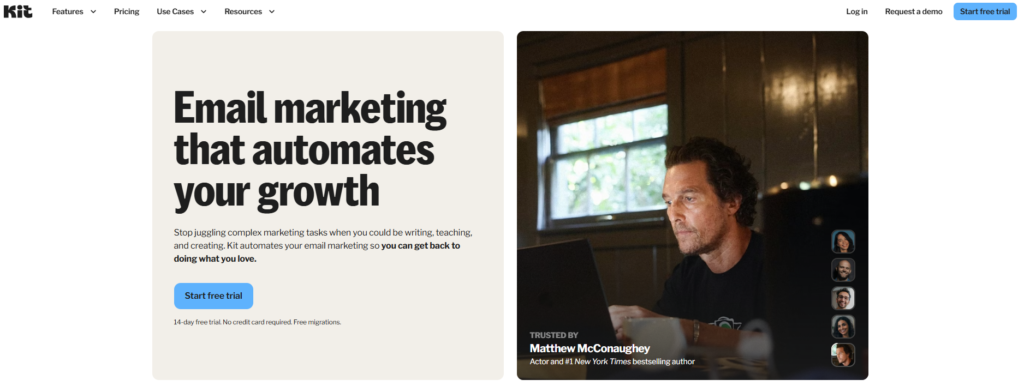
The ConvertKit rebrand has caused a fair amount of confusion. If you’ve been looking up ConvertKit lately and seen the name ‘Kit’ appearing on their website, in support docs, and across the internet, you’re not imagining things. ConvertKit officially rebranded to Kit, and it’s caused a fair amount of confusion for both existing customers and people researching their first email marketing tool.
Here’s the full story on the ConvertKit rebrand — what changed, what didn’t, and what it means for you — whether you’re already a customer, considering signing up, or just trying to figure out why every article you read uses both names interchangeably.
Short version: the product is the same. Only the name changed.
Why Did ConvertKit Rebrand to Kit?
The rebrand was announced by founder and CEO Nathan Barry, who explained that the company had outgrown what “ConvertKit” originally meant. The name was chosen back in 2013 when the product was a simple email tool focused on conversions for bloggers and digital product creators. Over a decade later, the platform had evolved into something much broader — landing pages, paid newsletters, ecommerce features, a creator network, and an entire ecosystem built around helping creators earn a living from their audience.
The name “ConvertKit” was starting to feel limiting. It implied a single-purpose conversion tool when the reality was that creators were using it as the central hub for their entire business. “Kit” is shorter, broader, and easier to remember — exactly what a maturing brand needs as it scales beyond its original niche.
There’s also a practical angle. “Kit” is easier to say out loud, easier to fit in headlines, easier to use in marketing materials, and easier to type on mobile. These details sound minor but they add up across thousands of touchpoints with potential customers.
| What Changed | What Stayed the Same |
| Brand name (ConvertKit to Kit) | Pricing structure |
| Website domain (convertkit.com to kit.com) | Core email features |
| Logo and visual identity | Automation builder |
| Marketing materials and docs | Subscriber data and integrations |
| Mobile app name | Customer support team |
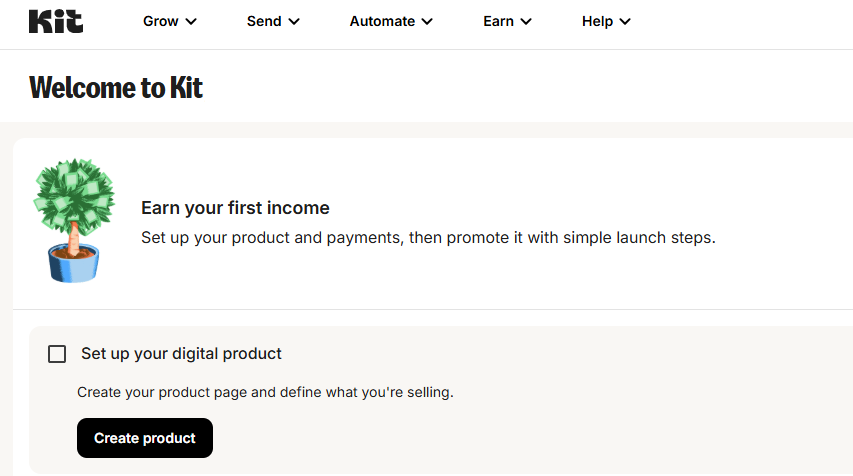
If you were already a customer, you literally didn’t have to do anything. Your account migrated automatically, your old URLs redirect to the new ones, and your workflows kept running without interruption.
What ConvertKit Customers Need to Know
If you’re already using ConvertKit (now Kit), here’s what to expect and what minor housekeeping is worth doing:
Your Login Still Works
You can still log in using the same email and password you’ve always used. The login page is now at kit.com instead of convertkit.com, but the old URL automatically redirects.
Update Your Bookmarks
If you have bookmarks pointing to convertkit.com pages, they’ll still work for now thanks to redirects, but you’ll want to eventually update them to the new kit.com URLs for cleanliness.
Update Branding in Your Emails
If you’ve ever mentioned ConvertKit by name in your welcome emails, automation sequences, or sales pages, you may want to update those references to “Kit” so you’re not confusing your own subscribers. This isn’t urgent but it’s a nice touch.
Check Your Integrations
All existing integrations continue to work normally. No action needed unless you set up new integrations going forward, in which case you’ll see them listed as “Kit” in the integration directories of platforms like Zapier and Make.
What If You’re New and Just Trying to Sign Up?
If you’re researching email marketing tools and finding it confusing that the product is called both ConvertKit and Kit across the internet, here’s what to do:
Go directly to kit.com — that’s the current, official URL. Sign up using your email address. The free plan gets you up to 10,000 subscribers, no credit card required. The signup process takes less than three minutes.
When you read older reviews, blog posts, or YouTube videos that say “ConvertKit,” they’re talking about the same product. Don’t let the dual naming confuse you — anything written about ConvertKit in the last 12 years applies to Kit today, give or take some feature updates over time.
Did the Rebrand Change Pricing?
No. The rebrand was purely cosmetic. Pricing tiers, plan features, and the free plan limits all remained the same as they were before the change. If you locked in a particular price during the ConvertKit era, that pricing carries over directly to your Kit account.
That said, Kit does occasionally adjust pricing — usually small increases for new customers — completely separate from the rebrand itself. Always check kit.com for current rates if you’re shopping today.
Did the Affiliate Program Change?
The affiliate program continues unchanged. If you were earning recurring commissions through the ConvertKit affiliate program, those commissions continue under Kit with the same 30% recurring rate. Existing affiliate links automatically redirect, so you don’t lose any referrals from old content you’ve already published.
For new affiliate marketers, the Kit affiliate program is still one of the most generous in the creator tools space — 30% recurring commissions for as long as your referred customers stay subscribed.
The Bottom Line
The ConvertKit-to-Kit rebrand was a name change, nothing more. The product, the team, the pricing, and the value to creators all remained exactly the same. The new name is shorter, the brand identity is cleaner, and the product continues to be one of the best email marketing tools available for bloggers, newsletter writers, and creators in 2026.
If you’ve been on the fence about trying it because the dual naming made you uncertain about which product is current, the answer is simple: it’s all the same product. Go to kit.com and start with the free plan.
→ Looking for a deeper dive? Read our full ConvertKit (Kit) Review for honest pros, cons, pricing breakdown, and who it’s actually best for.
Not Sure Kit Is Right? Consider MailerLite Instead
Kit rebranding to Kit doesn’t change the fact that at every list size above 1,000 subscribers, MailerLite costs 30–50% less for functionally equivalent features. For most creators evaluating Kit right now, MailerLite is worth a serious look before you commit — same tier of email marketing tool, cleaner interface, dramatically lower long-term cost. See my MailerLite vs Kit comparison for the head-to-head math.